So You Want to Run a 2.8-Trillion-Parameter Model in Your Bedroom?
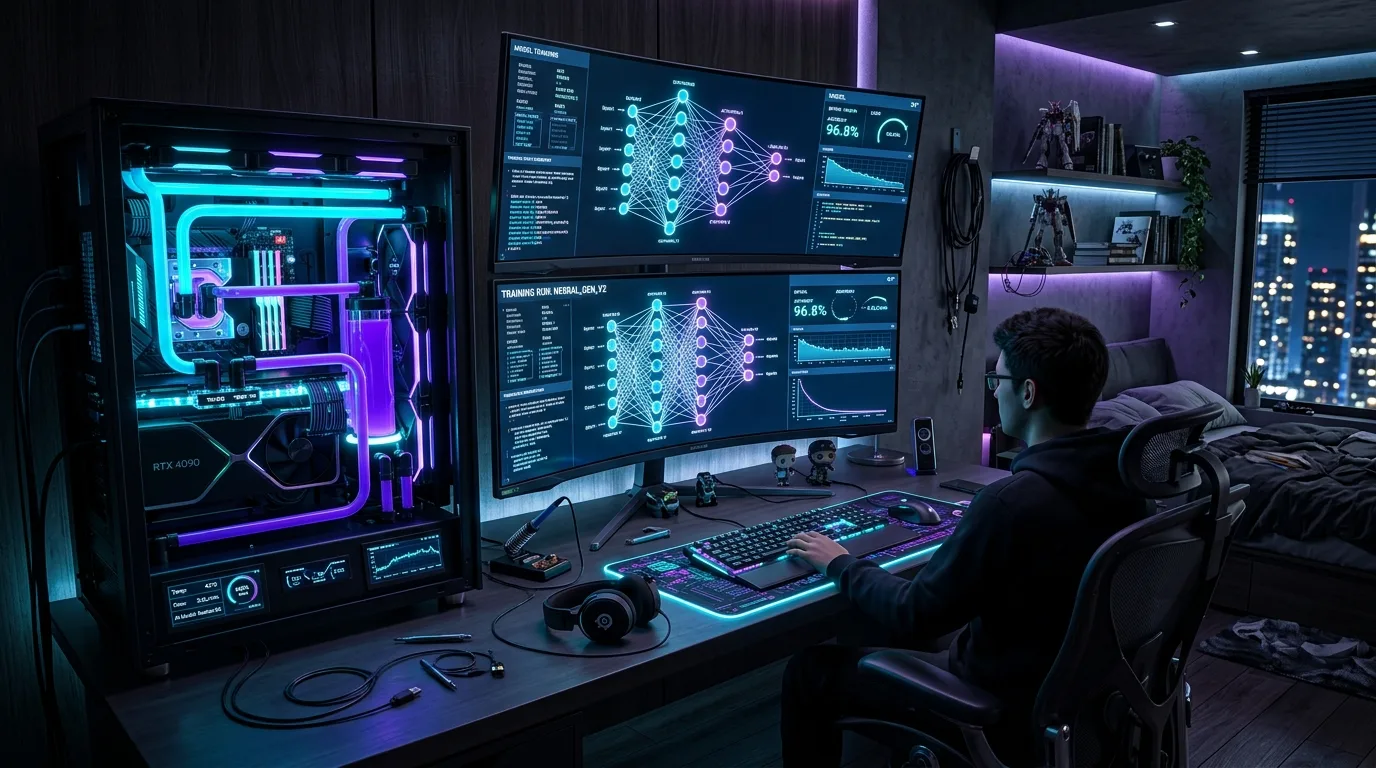
A reality check on hosting Kimi K3 at home
On July 16, 2026, Moonshot AI dropped Kimi K3 on the world — 2.8 trillion parameters, the largest open-weight model ever released. Naturally, the first question every self-hosting enthusiast asked wasn't "how good is it at coding" — it was "can I run this on my own hardware?"
The honest answer: sort of, if your definition of "own hardware" includes a server rack, a small fortune, or a lot of patience. Let's break down what it would actually take.
First, what are we even dealing with?
Kimi K3 isn't a dense 2.8T model where every parameter fires on every token — that would be borderline unrunnable outside a data center. It's a sparse Mixture-of-Experts (MoE) model: 896 experts total, but only 16 activate per token, roughly 104 billion "active" parameters doing the real work at any given moment. It also ships with a 1-million-token context window, native vision, and a new attention mechanism (Kimi Delta Attention) designed to keep long-context inference from becoming a memory disaster.
Crucially, Moonshot trained it quantization-aware for MXFP4 — 4-bit precision baked in from training, not bolted on afterward. That one decision is what makes local hosting even worth discussing.
The memory math doesn't lie
Weights alone, depending on precision:
| Precision | Memory Footprint |
|---|---|
| BF16 / FP16 | ~5.6 TB |
| FP8 | ~2.8 TB |
| MXFP4 (native) | ~1.4 TB |
That 1.4TB number is your real floor. Anything above that and you're paying for precision the model wasn't even optimized to need. And that's before accounting for KV cache — which, even with KDA's efficiency gains, adds real overhead once you start pushing toward that 1M-token window.
Three ways to actually do it
1. The data center in your garage
Multi-GPU servers — think 10-12x NVIDIA H200 (141GB each) or roughly 18x H100 80GB, spread across 2-3 DGX-class nodes with proper NVLink/InfiniBand interconnects. Fast, brutal on the wallet: $250k-$400k+.
Verdict: "Small AI lab," not "home lab."2. The Apple Silicon workaround
Network multiple Mac Studios (M3 Ultra, 512GB unified memory each) together — tools like exo can pool their memory across a cluster. Three units gets you to ~1.5TB for around $30k-$40k total. Thunderbolt bandwidth becomes the bottleneck since MoE routing jumps between experts constantly, so expect it to feel sluggish, but it's genuinely achievable for a serious hobbyist.
3. The budget-conscious CPU rig
This is the approach the DeepSeek-671B crowd pioneered: a dual-socket EPYC server board loaded with 1.5-2TB of DDR5 RAM, paired with one strong consumer GPU (RTX 4090/5090 or an A6000) to accelerate attention and the "hot" experts, using llama.cpp-style expert offloading. Total cost: roughly $10k-$15k. Speed is bottlenecked by RAM bandwidth — since ~52GB of active weights need to be read every single token at 4-bit — putting you in the single-digit-to-low-teens tokens/second range on a good 12-channel DDR5 setup.
Verdict: Most practical self-host option.The bottom line
You will not be running Kimi K3 on a gaming PC, no matter how much you spent on it last Black Friday. But "impossible" isn't the right word either — the MoE sparsity and native 4-bit training mean a serious hobbyist with ~$10k and a willingness to tolerate single-digit tokens-per-second can actually get this frontier-class model running under their own roof.
Six months ago that sentence wouldn't have been true for a model this size. That, more than the benchmark scores, might be the real headline.