Notion AI vs ChatGPT: Which Should Freelancers Use for Productivity?
⚡ Quick Verdict
- • Notion AI: Best for workspace organisation, document management, and structured note-taking
- • ChatGPT: Best for creative output, complex ideation, and versatile generation tasks
- • Final answer: Use both together — they serve genuinely different needs
- • If forced to choose one: ChatGPT offers more versatility for most freelancers
- • Both have free tiers that cover significant practical use cases
Two Very Different Tools
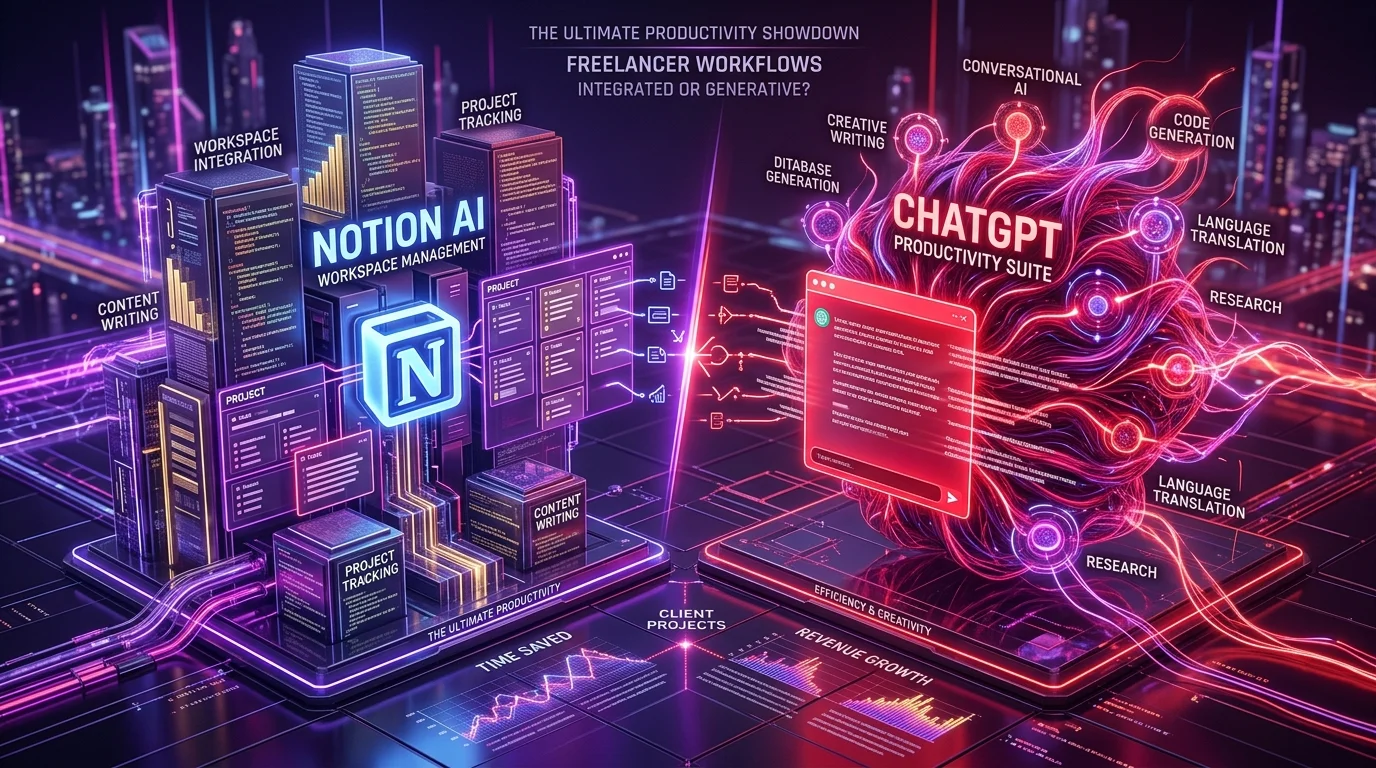
The comparison between Notion AI and ChatGPT is somewhat misleading because they're not competing for the same job. Notion is a connected workspace — a combination of notes, databases, project management, and wikis — that has added AI features to enhance existing document workflows. ChatGPT is a pure AI assistant designed for open-ended conversation, generation, and problem-solving. The real question isn't which is better but which does each job better. Understanding the distinct strengths of each helps freelancers decide where to invest time learning and whether they need both or just one.
What Notion AI Does Well
Notion AI's power comes from context awareness — it can see your existing documents, databases, and notes and work with them directly. Ask Notion AI to summarise a project wiki page, generate a meeting agenda from a notes database, fill in a content calendar based on your existing strategy document, or extract action items from a meeting transcript stored in Notion, and it does so with access to the surrounding workspace context. This makes it significantly more useful for knowledge management tasks than asking ChatGPT the same question with manually copied content. Notion AI also creates structured content — tables, checklists, databases — natively within your workspace, ready to use immediately.
What ChatGPT Does Well
ChatGPT's strength is breadth and depth of generation capability. It excels at: producing long-form creative content like blog posts, proposals, and case studies; complex reasoning and multi-step analysis; coding assistance; persona-based writing with specific voice and tone; roleplaying client scenarios for practice; and the open-ended problem-solving that arises when you don't know exactly what you need. The conversational interface allows iterative refinement through back-and-forth dialogue — you can push, redirect, and develop ideas in a natural flow that Notion AI's inline interface doesn't support as naturally. ChatGPT Plus adds web browsing, code execution, image generation, and custom GPTs that Notion AI doesn't offer.
Workspace Organisation: Notion AI Wins
For managing your freelance business documentation — client project folders, SOPs, content calendars, proposal templates, invoice tracking, a CRM — Notion is the better home because it combines database functionality with AI assistance. Notion AI can auto-fill database fields, generate structured summaries of linked documents, translate content to different formats, and organise information across your workspace. Using ChatGPT to organise your workspace requires manually copying content back and forth, losing the seamless integration. For freelancers who want an AI-powered second brain for business operations, Notion AI is the right choice over a separate AI tool with manual copy-paste.
Creative Output: ChatGPT Wins
When the task is generating new content from relatively little input — a blog post, a proposal, a social media campaign, a client presentation outline, or creative brainstorming — ChatGPT consistently produces higher-quality, more varied, and more nuanced output than Notion AI. Notion AI's generation tends to be more conservative and formulaic; it's optimised for the note-taking and document context it lives in rather than for producing publication-ready creative work. For any writing that requires distinctive voice, complex argumentation, or substantial original generation, ChatGPT is the tool to reach for.
Research: Both Have Roles
For research, the answer depends on what kind. Notion AI can synthesise information from your existing workspace — if you've built a research database or have extensive notes on a topic, Notion AI can query and summarise them without manual context preparation. ChatGPT Plus with web browsing can research current information from the internet in real time, synthesising multiple sources into a coherent summary. For researching your own existing knowledge and documents, Notion AI wins. For researching new topics from the web, ChatGPT Plus with browsing wins. For pure distilled research from the internet without workspace context, Perplexity AI is arguably better than both.
Pricing Comparison
Notion free plan: up to 10 documents with limited Notion AI usage. Notion Plus: $10/month, unlimited pages, limited AI responses included. Notion AI as an add-on to any plan: $10/month for unlimited AI access. So Notion with full AI costs $20/month total (Plus + AI add-on). ChatGPT free: limited GPT-4o access. ChatGPT Plus: $20/month for GPT-4o, web browsing, DALL-E 3, Code Interpreter, and GPTs. Both tools at their full AI tier are the same price. Notably, if you're already a Notion user, adding AI is $10/month for a 50% premium. If you don't currently use Notion, there's no advantage — start with ChatGPT.
Can You Use Both?
Absolutely — and most power users do. The optimal setup: Notion as your business operating system and second brain (project management, templates, documentation, CRM, content calendar), with Notion AI handling in-context tasks like summaries, first drafts of structured content, and database operations. ChatGPT as your external AI collaborator for creative work, deep analysis, complex generation, web research, and any task that benefits from the full capability of a state-of-the-art language model without workspace context constraints. This $30–40/month combination (Notion Plus + Notion AI + ChatGPT free or Plus) is genuinely the productivity setup most professional freelancers eventually converge on.
Final Recommendation
For a freelancer starting from zero: start with ChatGPT free or Plus — it offers more immediate daily utility across more tasks. Add Notion free to structure your business as you grow, then upgrade to Notion AI when you have enough workspace content to make AI queries valuable. Don't pay for Notion AI until your Notion workspace has substantial content — the AI value scales with the amount of context it has access to. For established freelancers already using Notion daily: adding Notion AI at $10/month for unlimited access is almost always worth it for the in-workspace convenience alone, alongside continuing to use ChatGPT for the creative generation work it does best.
Get Our Free AI Tools Guide
Join 50k+ freelancers getting weekly AI tips and tool reviews.
Explore Prompt Library →