How to Use AI to Write Client Proposals That Win Every Time
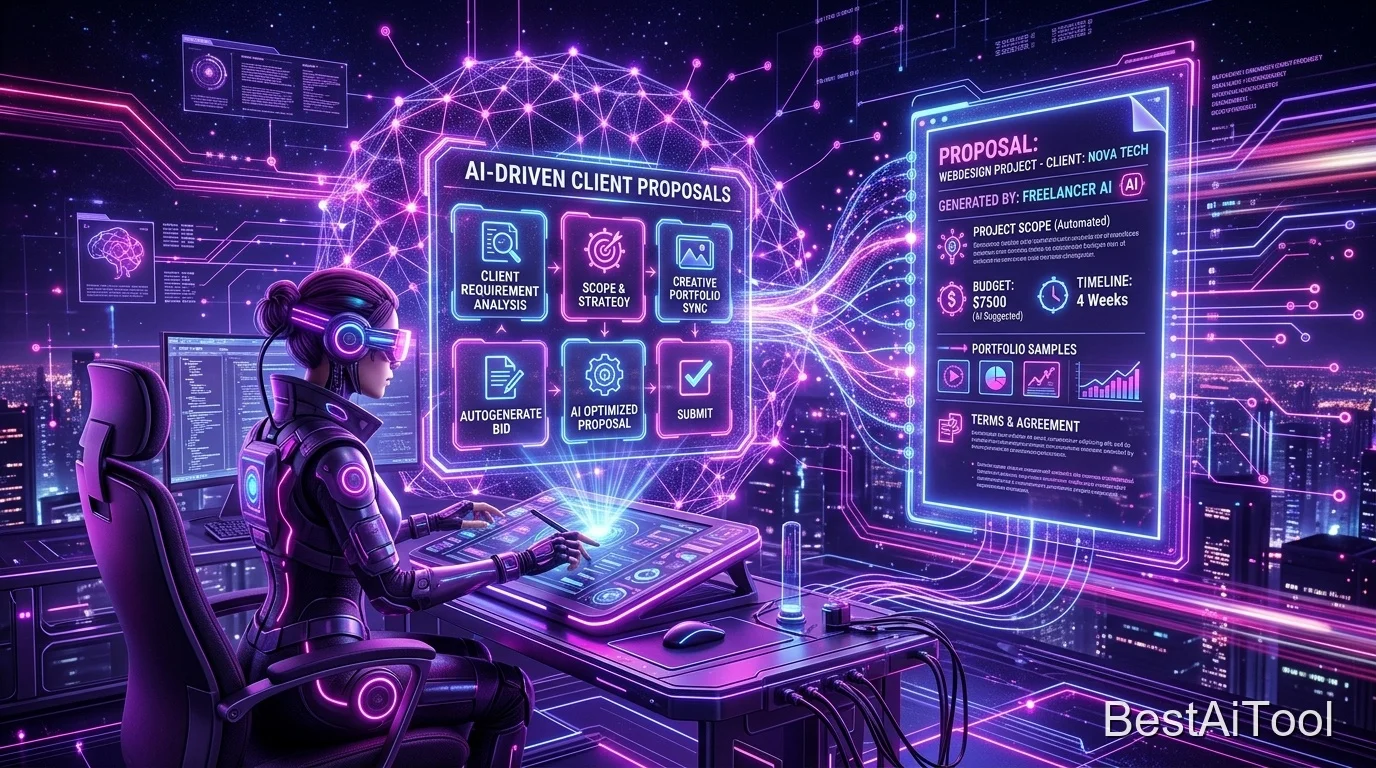
⚡ Quick Summary
- ✓ AI can cut proposal writing time from 2 hours to 20 minutes
- ✓ Best tools: ChatGPT, Claude, and Grammarly combined
- ✓ The key is giving AI the right context about the client's problem
- ✓ Always personalize the AI output — never send raw AI text
- ✓ We include 3 copy-paste prompt templates below
Your proposal is often the first real conversation you have with a potential client. Get it wrong and you're invisible. Get it right and you're the obvious choice — even if you're not the cheapest. The great news? AI can help you write better proposals, faster, every single time.
In this guide, we'll walk through exactly how to use AI tools to research clients, structure compelling proposals, and personalise them at scale — without losing that human touch that actually wins work.
Why Most Freelance Proposals Fail
Before we talk about AI, it's worth understanding the root problem. Most proposals fail for one of three reasons: they're too generic, they focus on the freelancer instead of the client's problem, or they bury the value proposition under a wall of text. AI, used correctly, solves all three.
Step 1: Research the Client with Perplexity AI
Before writing a single word, use Perplexity AI to research the client's business, industry, pain points, and competitors. Paste in the job description and their company URL and ask: "What are the biggest challenges this type of business faces, and what would a successful outcome look like for this project?"
This 5-minute research step is the difference between a generic proposal and one that makes the client feel genuinely understood.
Step 2: Structure with ChatGPT
Once you understand the client, open ChatGPT and use this prompt template:
ChatGPT will generate a solid structural draft. Don't send this draft — use it as raw material.
Step 3: Add Your Voice with Claude
Paste the ChatGPT draft into Claude with this instruction: "Rewrite this proposal to sound more conversational and confident. Remove all clichés and generic phrases like 'I am passionate about' or 'I would be perfect for this role'. Make it direct and outcome-focused."
Claude's writing style is noticeably more natural and less robotic than ChatGPT for this kind of task. The result reads like you actually wrote it — just a much better version of you.
Step 4: Polish with Grammarly
Run the final text through Grammarly to catch any awkward phrasing, tone inconsistencies, or errors. Pay special attention to the Grammarly tone detector — your proposal should read as confident, not arrogant, and helpful, not desperate.
Step 5: Personalise the First and Last Paragraphs
This is the most important step. Manually rewrite the opening paragraph to reference something specific about the client — a recent blog post, a product launch, or a specific detail from the job post. And close with a personal touch: a specific question that shows you've read everything carefully.
These two paragraphs are what make the client feel the proposal was written for them, not generated for everyone.
Scaling Proposals Without Losing Quality
Once you have this system, you can create a "proposal base" in ChatGPT for each type of project you do — web development, content writing, design, etc. Each base gets personalised in steps 1 and 5. This means you can submit high-quality proposals in 20 minutes instead of 2 hours, letting you apply to more opportunities without sacrificing win rate.
"The freelancers winning consistently aren't sending more proposals — they're sending better ones, faster. AI makes both possible." — Best AI Tool Editorial Team
Get Our Free Proposal Prompt Templates
Download 5 ready-to-use AI prompt templates for winning freelance proposals.
Explore Prompt Library →